Download the 25BD APK and play straight from your phone
The 25BD APK is the install file for our Android app and comes in at ৩৬ MB. Install it, log in once, and the game lobby, balance, deposits and withdrawals are all in your hand. Tap the button below and the 25bd2.apk file downloads straight away.
- ৩৬ MB
- Android ৮.০+
- Version ২.০.০
- Free
What you need before installing
- Android ৮.০ or later
- ৩৬ MB of free space on the phone
- An account — register first if you are new
- A steady connection while downloading
25BD APK file details before you download
One file runs on every Android phone, so there is no separate version to choose. Check the details below before you install. If your phone is on an Android version below ৮.০, the file may install but it will not run properly.
File detail
| Feature | Details |
|---|---|
| Version | ২.০.০ |
| File name | 25bd2.apk |
| File size | ৩৬ MB |
| Minimum Android | ৮.০ |
| Last updated | ১৬ November ২০২৬ |
| Language | Bangla and English |
| Price | Free |
Get the file from this page only. Match the name and size before you install — that is the easiest way to avoid grabbing the wrong file.
How to add it to your iPhone home screen
An APK file cannot be installed on an iPhone or iPad, because Apple uses a different format. So open the site in Safari and save a shortcut, and you will not have to type the address every time. Your login details stay the same.
- Open 25bd2.com in the Safari browser.
- Tap the Share icon at the bottom.
- From the menu, choose “Add to Home Screen”.
- Type a name and tap Add — the icon is created right away.
How the game lobby looks on your phone screen
 Piggy GoldCQ9 · RTP ৯৭.৭%
 Ocean LordCQ9 · RTP ৯৭.৩%
-
৫,৩০০+ games on a single screen
Titles from Habanero, CQ9, JDB, FA Chai and Ezugi, all in one place. Use the tabs up top to browse slots, fishing or Crash separately.
-
Find your favourite game fast
Search by name or filter by RTP. Games you've played before show up at the top of the list.
-
Your balance and records within reach
See your balance, last deposit and bonus status on one screen — no digging through menus.
Installing on Android: five steps
First install on a new phone takes about two minutes. Do the steps in order and the security warnings won't keep popping up.
-
Allow installs from unknown sources
Settings → Apps → the browser you're downloading with → Special access → turn on “Install unknown apps”.
-
Download the APK file
Tap the download button above. The ৩৬ MB file takes two to three minutes on a normal connection, with progress in the notification bar.
-
Tap the file, then tap Install
When the download finishes, open 25bd2.apk from the notification or your file manager. Tap Install on the permission screen — it's done in seconds.
-
Log in or open a new account
Open the app and enter your mobile number and password. No account yet? Create one in two minutes on the registration page, then log in.
-
Turn the permission back off afterwards
Once installed, switch off the unknown sources permission. Just turn it back on the next time you update.
Everyday tasks that get easier in the app
One-tap login
No typing your password over and over. Open your account with the fingerprint sensor or a short PIN, so you can get in quickly even on the bus or out and about.
Deposits and withdrawals
Pick bKash, Nagad, Rocket or Upay and deposit from ৳৪৫০. Balance usually lands in ৩ minutes, and withdrawals complete in ১৩ minutes.
Live tables and cricket markets
From baccarat, roulette and Teen Patti to BPL match markets — all in one app. Just tap the tabs up top to switch game type.
Notifications that matter
It reminds you before a match starts, tells you when a new bonus drops, and sends a message when a withdrawal goes through. Turn them off in settings if you don't need them.
The same account on phone and laptop
Put the phone down mid-game and your balance stays the same. Log in later in your laptop browser and pick up right where you left off.
Support in Bangla
Stuck on a step? Chat with 24/7 live support right inside the app. Blocked deposits or account questions get answered quickly.
App vs browser: which one wins where
Both run on the same account, but they suit different habits. If you log in daily, the app is the comfier pick; if you only drop in now and then, the browser does the job. The comparison below should help you decide.
| Feature | App (APK) | Browser |
|---|---|---|
| Opening speed | Tap a notification and you're in the lobby, with little screen-switching lag | You type the address and log in each time, and it takes a while to load |
| Data use | 36 MB once at the start, then data only for loading games | Images and scripts download again every time you open the site |
| Notifications | Bonus and match reminders come straight to your phone | Nothing comes through unless the site is open |
| Install needed | You download the APK file and install it | Nothing to download; create an account and play |
| Phone space | Takes up 36 MB, but no browser cache builds up | You have to clear the cache now and then when it piles up |
| Who it suits | You play every day and bet during cricket season | You log in once or twice a week and don't want extra stuff on your phone |
What to do if install gets stuck
Most problems come from your phone settings or a half-downloaded file, not from the app itself. The list below pairs each cause with its fix, so work through them in order.
| What you're seeing | Cause | Fix |
|---|---|---|
| Install blocked | The browser isn't allowed to install from unknown sources | Go to Settings → Apps → Browser → Special access and turn on "Install unknown apps" |
| "Package cannot be parsed" | The file only partly downloaded, or the connection dropped mid-download | Delete the old file and download again; check the size is 36 MB |
| "Not enough space" message | Phone storage is nearly full | Delete old videos or old APKs and free up at least 100 MB |
| App closes as soon as it opens | Android version below 8.0, or the install is corrupted | Check the Android version in Settings, then uninstall the app and install it fresh |
| Installs but login is stuck | Wrong password or weak internet | Try switching mobile data, or reset your password and try again |
Which permissions the app asks for, and why
Android shows a few permissions during install. Below is what each one does and how to turn it off. You can play without granting any of them, you just lose a few perks.
- Storage: Needed to keep update files and game images on your phone. If space is tight, you can turn it off in app settings.
- Notifications: Used to send bonus and match-start messages. If they get annoying, turn them off in Android Settings → Apps → 25BD → Notifications.
- Internet: Essential for loading games, showing your balance and processing transactions. The app won't run without it.
- Biometric: For quick login with your fingerprint. Skip it and you can still log in with your password.
- What it doesn't ask for: SMS, contacts, location and call logs. If anyone asks for these, the file is fake, so cancel the install right away.
Download the APK only from this page. If you get it from a friend or a link sent in a message, the file may have been modified. Before installing, check the file name is 25bd2.apk and the size is 36 MB.
Tips for older phones and slow networks
The app runs on a 2 GB RAM phone or a 3G connection if you keep a few things in order. These habits cut down freezes and make your battery last longer.
- Run 25BD on its own instead of keeping many apps open together.
- Lower the game image quality in app settings to save data.
- Pick round-based tables over live tables; they stutter less on slow networks.
- Turn down brightness and keep battery saver on for longer sessions.
- Download big updates over home Wi-Fi to save mobile data.
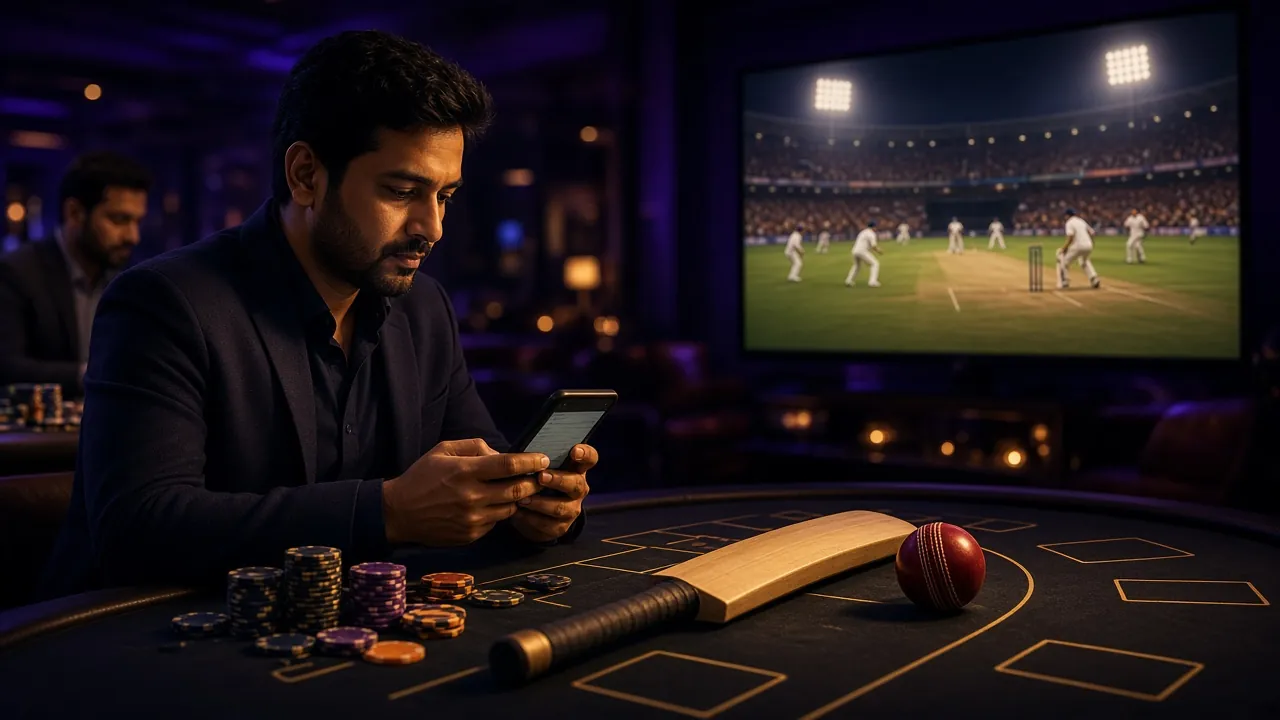
Get the 25BD App: See What You Are Installing
-
Instant access to 5,300+ games
Slots, fishing, crash and live tables load in one tap. No browser, no typing the address every time.
-
Lightweight: only 36 MB
Works on Android 8.0 and above. Takes about the same space as a single photo and runs smoothly on older phones.
-
bKash, Nagad, Rocket and Upay built in
Deposit or withdraw without leaving the app. Deposits clear in around 3 minutes, withdrawals in around 13 minutes.
-
Push alerts for bonuses and results
Get notified when your withdrawal completes or a reload bonus drops. Turn off any alert you do not want.
Scan to download on your phone
What players ask us about the most
Is the 25BD APK file safe?
The file comes straight from our own servers, not a copy uploaded to a third-party store. Before installing, check that the name reads 25bd2.apk and the size is ৩৬ MB. If Play Protect is switched on, it may show a warning because the file comes from outside the store. If anything feels off, cancel the install and ask support.
My phone blocks the install — what should I do?
That's your phone's default security, not a fault. Go to Settings → Apps → the browser you downloaded with → Special access → turn on “Install unknown apps”. Tap the file again and it will install. Once you're done, it's best to switch that permission back off.
How do I update when a new version comes out?
Download the new file from this page and install it over the old app — your account and balance stay intact. No need to uninstall. The current version is 2.0.0, last updated 16 November 2026. Checking this page once a month to compare versions is enough.
Can I install it twice on the same phone?
No. One phone holds one copy of the app, and installing again replaces the previous one. You can still run the same account on more than one device — the app on your phone plus a browser on your laptop, for example. The balance stays the same in both places.
Will this file work on an iPhone?
No — APK is an Android-only format. On an iPhone or iPad, open the site in Safari, tap the Share menu and choose “Add to Home Screen”. You get an icon and don't have to type the address every time. Login and balance stay exactly the same.
Will the old app stop working if I don't update?
Older versions keep working for a while, but new games or payment features may not reach them. So it's better to update before you run into a problem. Big updates usually land every two to three months, and the file size stays about the same.
Install the 25BD APK and make your first deposit
Once the file is downloaded, opening an account takes two minutes. Your first deposit gets a ২৩৫% bonus, up to ৳৮,০০০, with ১৭x wagering.
১৮+ · Play Responsibly